Ways to run
This machine only, a quick tunnel, a stable link through your account, several machines, and workers on another machine.
st always runs on your own machine. What changes is who can reach it, and
how.
Where you open it
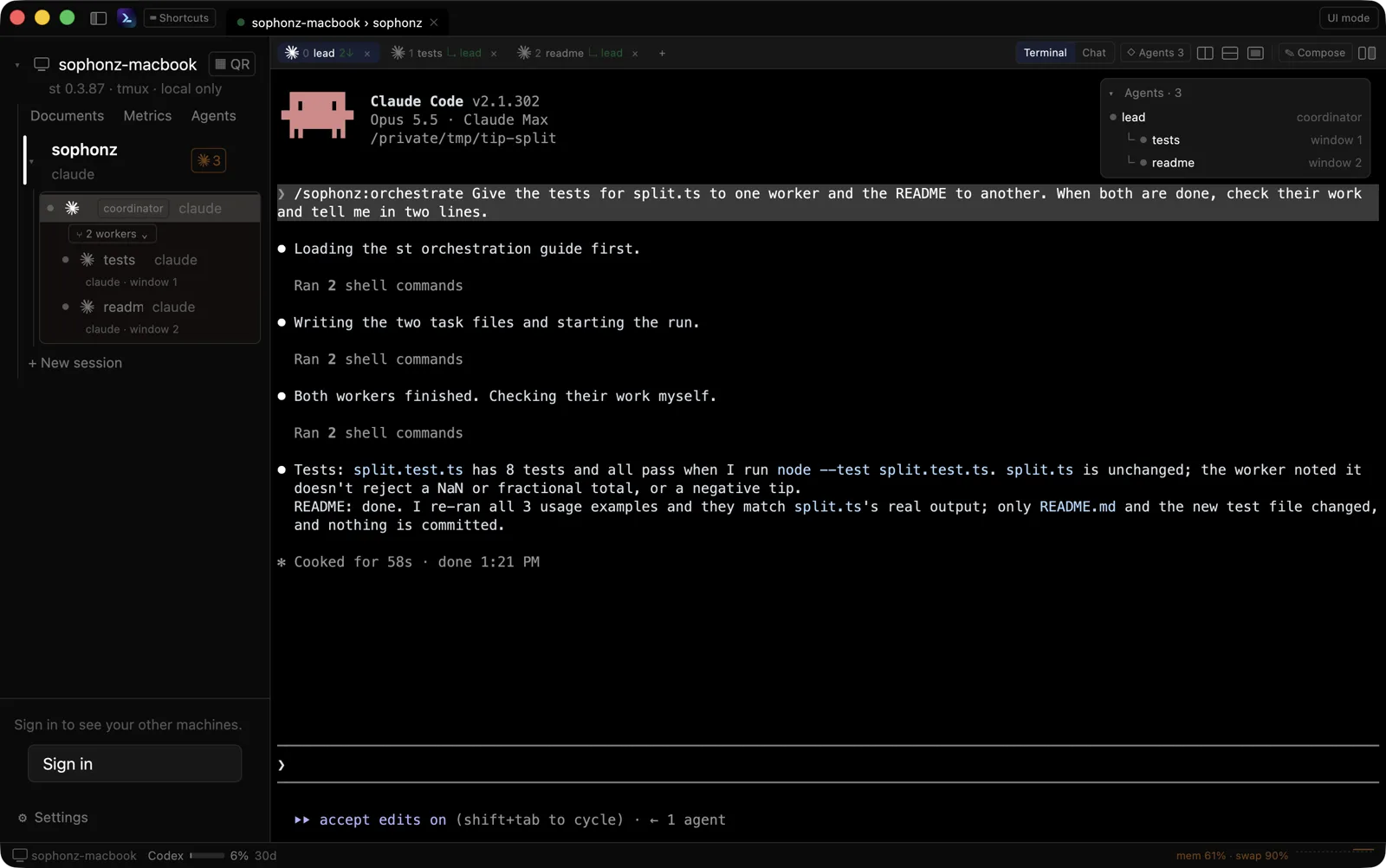
Desktop app. This computer's sessions and your other machines, in one window. macOS, Windows and Linux. Download.
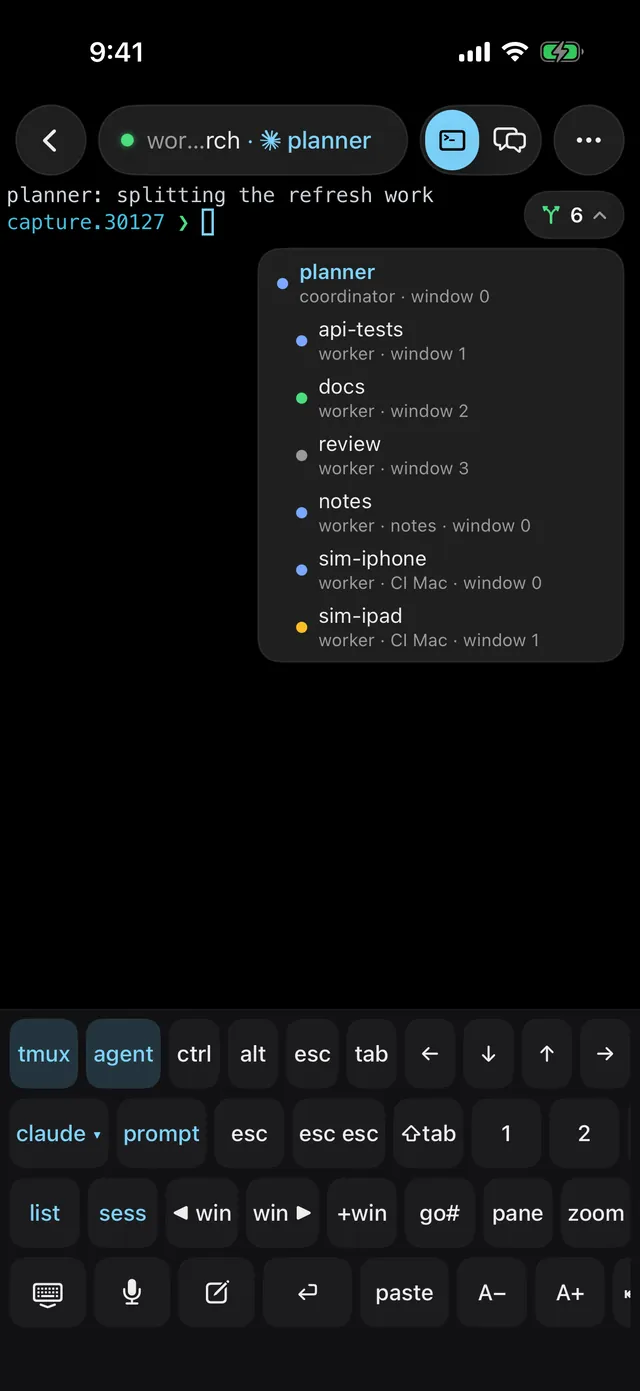
Mobile app. iPhone and Android: your machines, their sessions, and their terminals. See the apps.
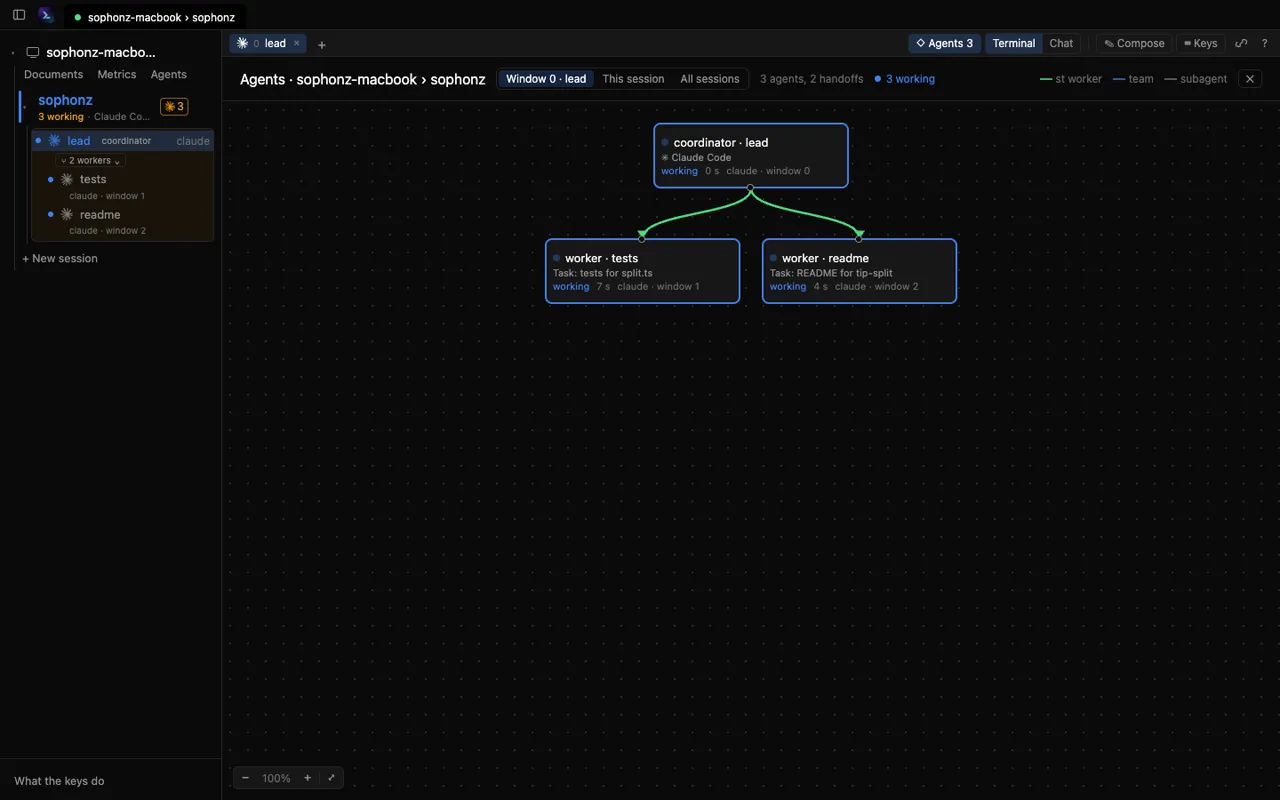
Browser. Open the link st prints in a browser on any other computer. Nothing to install there. See In a browser.
At a glance
| Way | On the machine | The address | Who gets in |
|---|---|---|---|
| This machine only | st --no-tunnel | http://127.0.0.1:<port> | this computer: the desktop app, a browser on it |
| Quick tunnel (Free), signed out | st | https://<words>.trycloudflare.com, new after st exit and st | whoever has the link with its token |
| Over your tailnet | st route tailscale | https://<machine>.<tailnet>.ts.net | devices on the same tailnet; no account link or notifications yet |
| Relay (Pro) | automatic on a Pro account (st 0.4.1 or later), st route relay | three words, such as https://quiet-otter-lamp.relay.sophonz.io, which does not change | whoever has the link with its token |
| Signed in | st login, then st | link.sophonz.io/m/<slug>, which does not change | you, signed in to the account |
| Several machines | st login on each | one link per machine | you; the apps list them all |
| Workers on another machine | st orch accept-remote on | through the account | coordinators on your other machines |
This machine only
st --no-tunnelNo tunnel and no public address. The agent listens on 127.0.0.1 only, so
the terminal opens on this computer and nowhere else. The desktop app
reaches the computer it runs on this way in any case. A phone cannot reach it.
A quick tunnel, signed out
stst opens a Cloudflare quick tunnel and prints its address, a token and a
QR code holding both. Scan it, or open the link once: the token becomes a
cookie and leaves the address. No account is involved.
The address is new each time the share starts (st restart and st upgrade
hand it over and keep it), so a phone cannot keep it. st restart warns you
before it gives up an address you would have no other way back to. See Share a terminal.
This is the way in on Free. Cloudflare offers quick tunnels for testing and
development, and its documentation lists what that means: anyone with
the URL reaches the machine (which is why st asks for its token in front of
the shell), a tunnel takes up to 200 requests in flight and answers the rest
with 429, and there is no uptime guarantee. It also says quick tunnels do not
support Server-Sent Events; from st 0.3.67, agent state and chat arrive live
over one anyway. It gives no limit on bandwidth or request size. The way in
with a fixed address is the sophonz relay on Pro, below.
Signed in, with a stable link
st login      # approve a code in any browser
st            # now prints a link that does not change
The machine is on your account. Its link, link.sophonz.io/m/<slug>, stays
the same across restarts and opens only for you, signed in. The tunnel
underneath still comes and goes; the link follows it. The phone apps,
signed in to the same account, list the machine without scanning anything.
See Accounts and links.
Several machines on one account
Sign in on each machine. Each keeps a link of its own, and:
- the desktop app lists them under Other machines and opens their sessions in the same window,
- the phone apps list them on Machines, with whether each is online and, when not, why,
- the web terminal's account menu has my machines, which switches the tab to another online one,
st machineslists them in a terminal.
Workers on another machine
A coordinator on one machine can start a worker on another of the account's machines, or adopt an agent already running there. The machine taking the work has to allow it first:
st orch accept-remote on # on the machine that takes the workThe coordinator's st reaches that machine through the account, the way the
apps do: no port and no SSH. Both need st 0.3.85 or later, signed in.
See Workers on other machines.
The sophonz relay (Pro)
Pro includes a relay server run by sophonz. Reached through it instead of a
Cloudflare quick tunnel, st keeps one address of three words, such as
https://quiet-otter-lamp.relay.sophonz.io. From st 0.4.1 a machine signed in
to a Pro account fetches the address and token itself; there is nothing to
type. A route picked with st route and a relay of your own set with
st relay set come first, and st relay reset picks a Cloudflare quick
tunnel and stays there (a tailnet you chose stays). See
Share a terminal.
A machine reached through the relay keeps its account link,
link.sophonz.io/m/<slug>, and its row in the apps' machine list. Whether
notifications arrive and whether it can take workers from another machine
have not been confirmed on the relay yet. The relay server itself is not published, so
you cannot run one of your own.
Choosing one
- Trying it out, or once in a while:
st, signed out. Scan the QR. - Only at this desk:
st --no-tunnel, or just the desktop app. - Every day, from a phone:
st loginonce, so the apps keep the machine. Addst service installto have the share start with the computer. - More than one computer: sign in on each, and watch them all from the desktop app or the phone.
- Work that needs a particular machine (a Mac's simulator, a GPU):
st orch accept-remote onthere, and hand it a worker.